
Your AI Built the App. Who's Testing It?
AI app builders ship features in minutes. Here's how to make sure each new prompt doesn't quietly break what already worked.
AI app builders have changed what one person can ship. With Lovable, Bolt, Replit, v0 or a coding assistant like Cursor or Claude Code, you can go from idea to working app in an afternoon.
That’s remarkable. It also moves the risk.
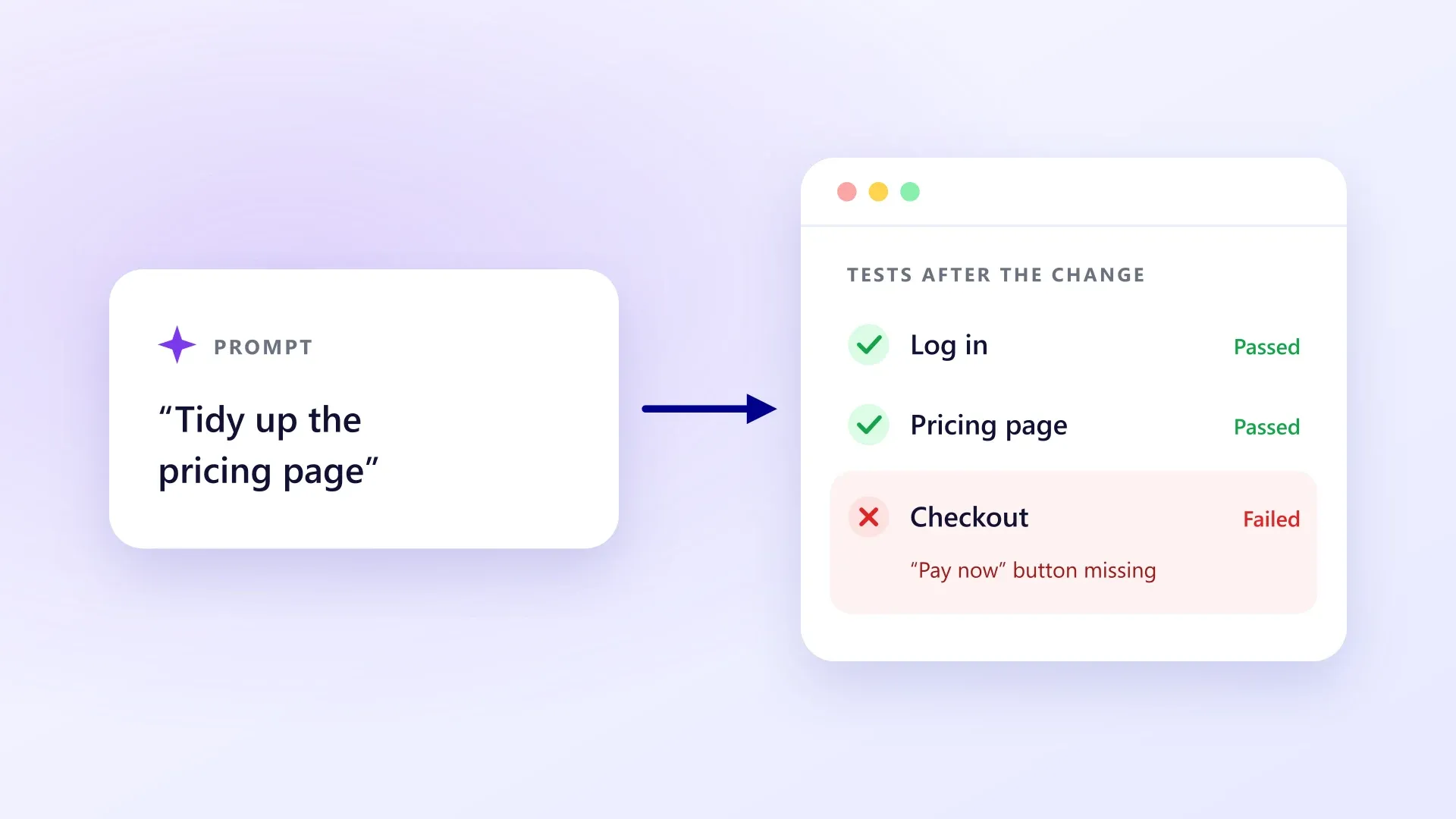
When you write code by hand, you know what you touched. When you ask an AI to “tidy up the pricing page,” it might also rewrite a component your checkout depends on. If you don’t read the code (and many people building this way don’t), you won’t know until someone tries to pay.
Speed moves the risk. It doesn’t remove it.
Three things are different when an AI writes your app:
- Every prompt is a release. Each change can touch files you never looked at.
- Fixes can cause new bugs. You ask for a fix, you get the fix, and something else quietly stops working. Most people building with AI tools have been around this loop at least once.
- You’re the QA team. There’s no developer reviewing the change and no tester checking the result.
The code itself still needs checking, too. Veracode’s 2026 GenAI Code Security Report found that AI models produced secure code in 56% of tasks, barely changed from 55% the year before. It concluded that “no model in this dataset generates secure code reliably enough to remove the need for verification” (Veracode, July 2026). That report is about security, but the lesson applies more widely: generated code needs checking.
What to test first
Start with the journeys your business depends on:
- Sign up, log in, log out and reset a password. Login breaks more often than you’d think, and when it does, nobody can use anything.
- Your core feature. Create, edit and delete the main thing your app is about.
- Payments. Run a full checkout in your payment provider’s test mode.
- Permissions. Log in as two different test users and check that neither can see the other’s data.
- Emails that matter. At the very least, check that sign-up and password-reset emails get sent.
- Mobile. Walk through your key journeys on a phone-sized screen.
When to test
- Before you publish a batch of changes.
- After every deploy, against the live site.
- Every day, on a schedule. API keys expire, third-party services change and dependencies update, even when you don’t touch anything.
How to test without becoming a QA engineer
Start with a checklist today. Write your journeys down and click through them before each release. It takes ten minutes and catches the obvious breaks.
Ask your AI tool to write tests. Many AI builders and coding assistants can write automated tests for you. That’s a real improvement, but you’re still the one running and maintaining those tests. And tests written by the same assistant, in the same session, tend to share its assumptions. It’s worth having something independent check the app from the outside.
Test from the outside, like a user. End-to-end tests drive a real browser through your app. They don’t care which framework the AI chose or how the code is organised. They check one thing: does the button still work?
Where DryRun fits
DryRun tests your app from the outside, the way your users use it. It works with any web app that has a URL, whatever wrote the code, including no-code apps (here’s how to test a Bubble app). Its AI agents explore your app, write end-to-end tests for your key journeys and run them on real browsers. When a design change breaks a test for a harmless reason, DryRun repairs it and shows you what changed. When something really breaks, you get a screenshot, a video and a plain-English explanation.
One thing DryRun isn’t: a security scanner. It checks that your app behaves correctly. For security, get a dedicated security review as well.
The DryRun early access list is open. If you’re shipping with AI tools and want your key journeys checked, get free early access.

DryRun
Automated end-to-end testing for apps built with no-code and AI tools.